From a reported balance
to a clear next step.
Review the account. Keep the context. Prepare the update. A local workspace built around the work property managers do every day.
Ask about a pilot ↗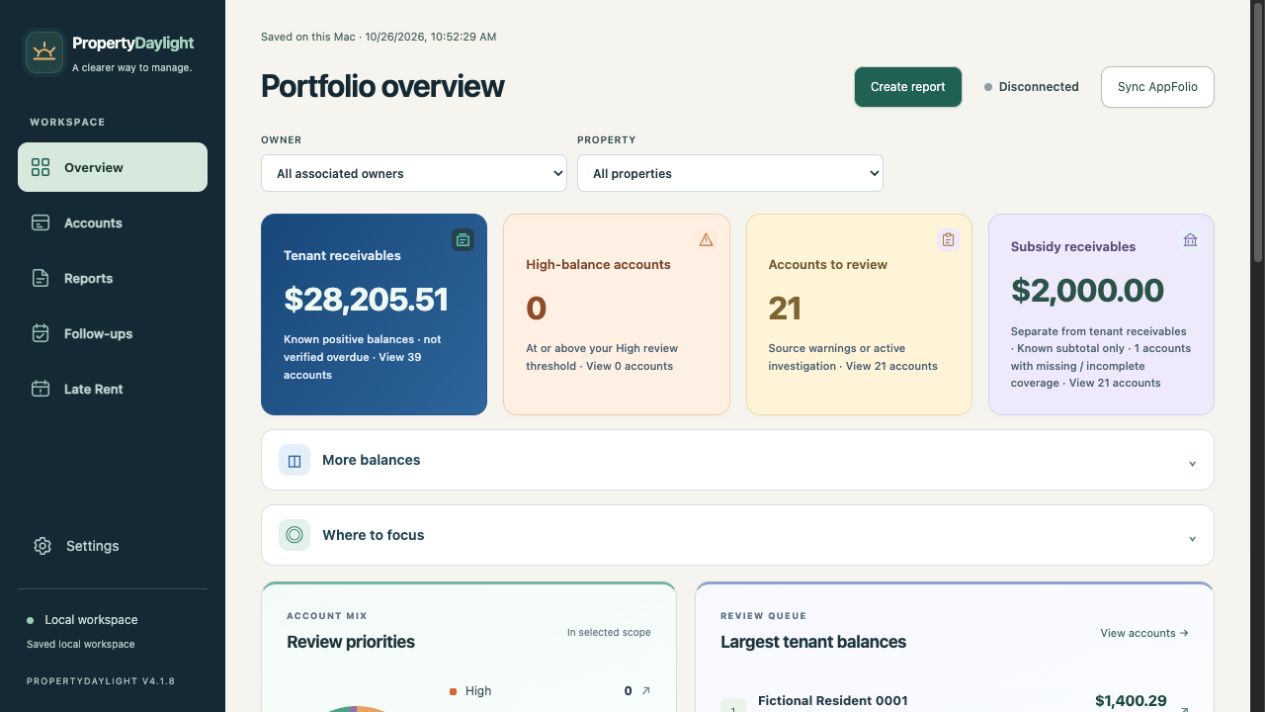
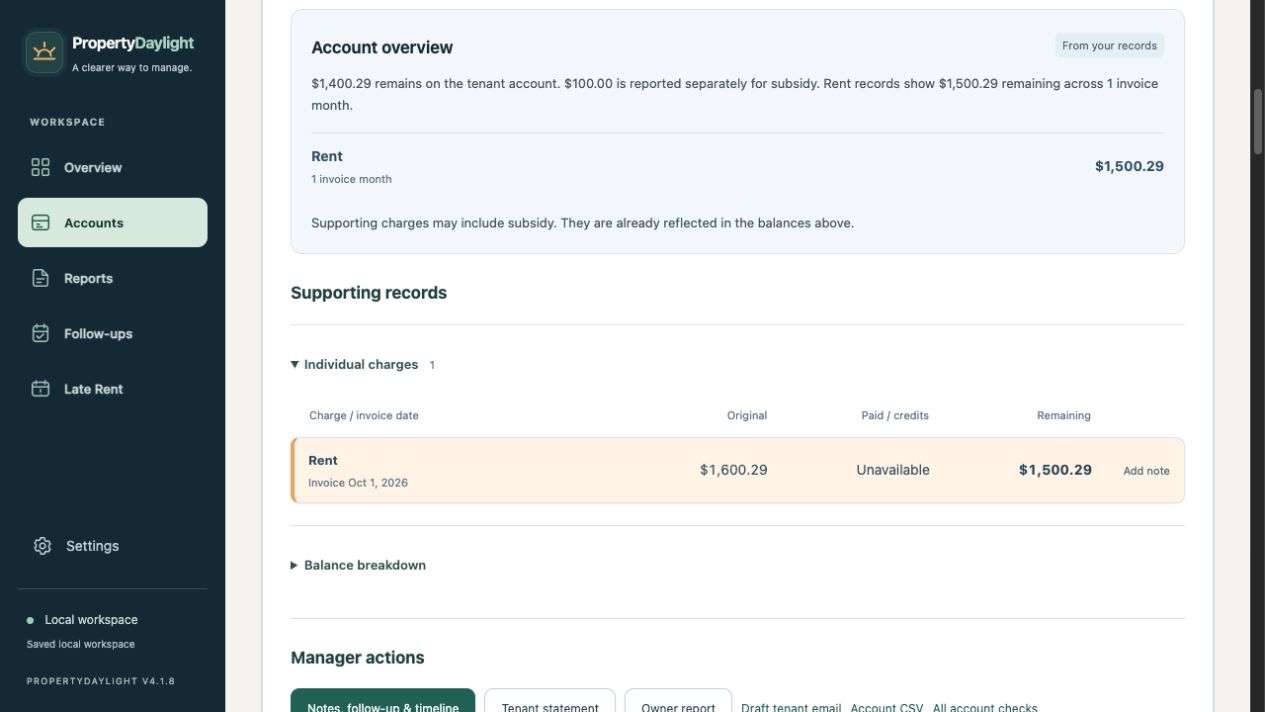
A note belongs with its charge.
Add detailed private manager notes to individual charges. Record the author, preserve note history and keep follow-up context close to the work. Private charge notes are separate from outward report commentary.
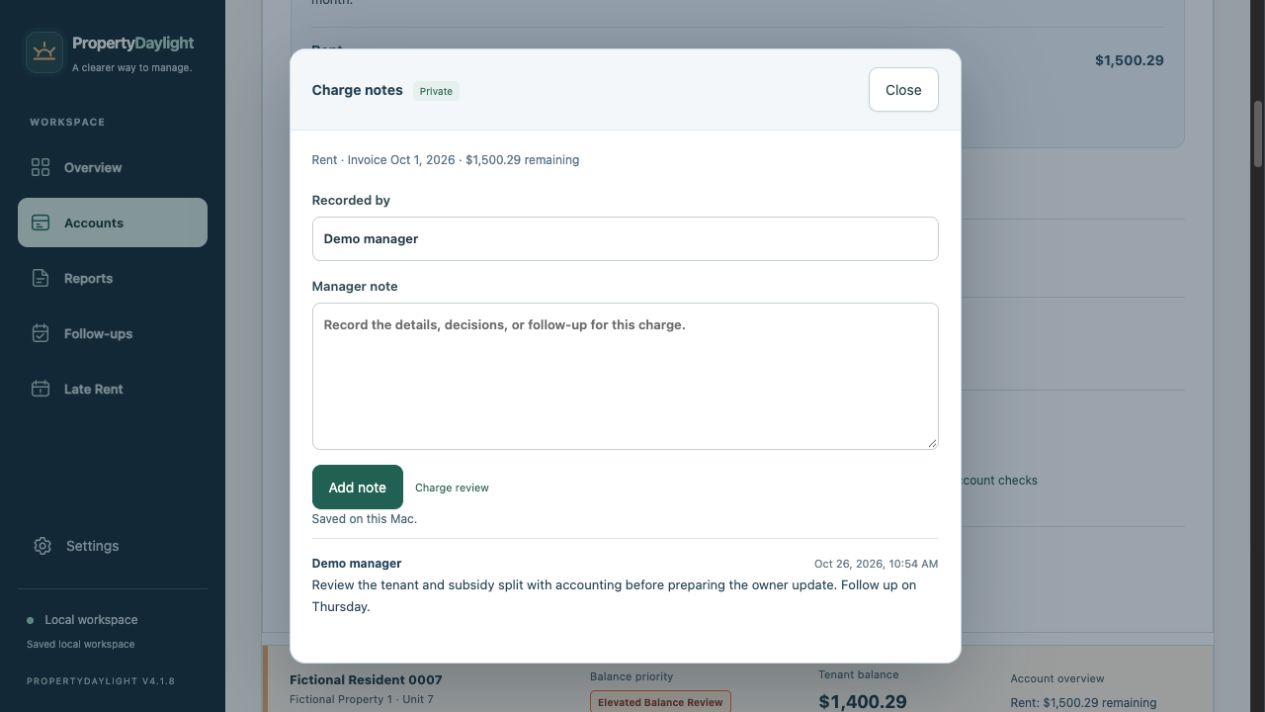
Make the owner report your own.
Choose the audience and included accounts. Add your management update, adjust the layout and preview the document. Company-specific saved styles keep recurring reports consistent. Current valid reports can be reviewed together as a batch.
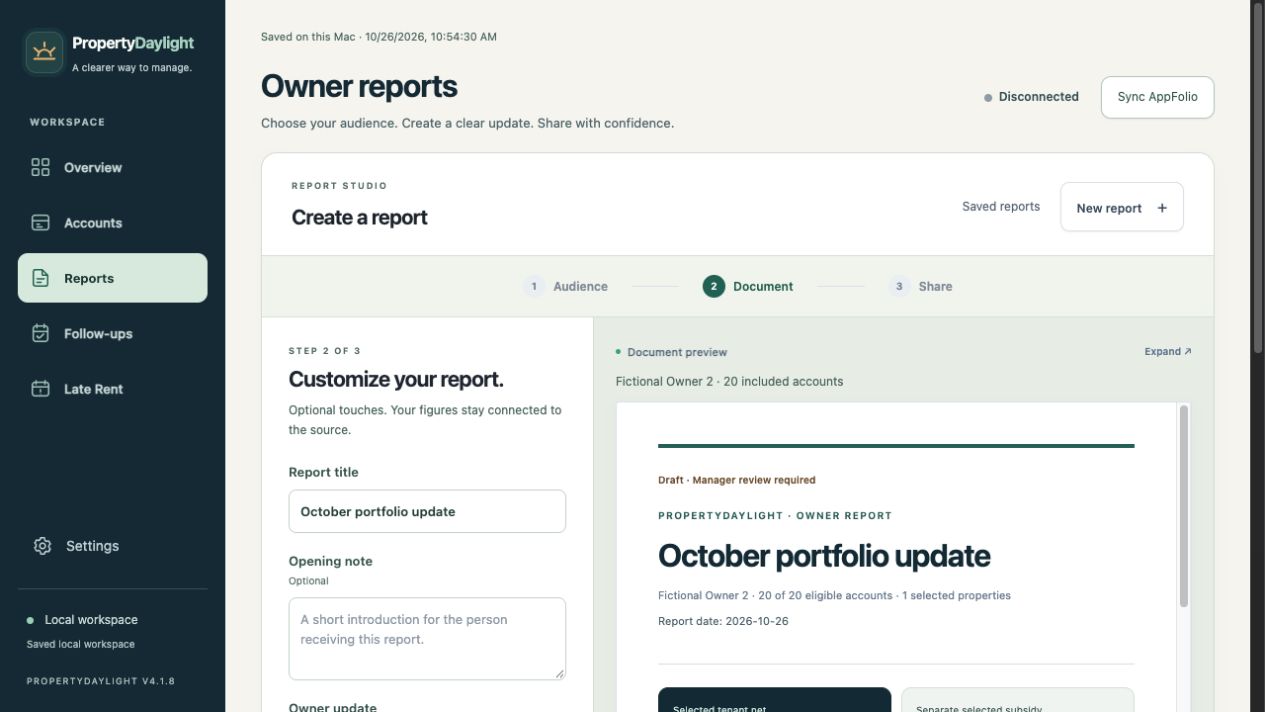
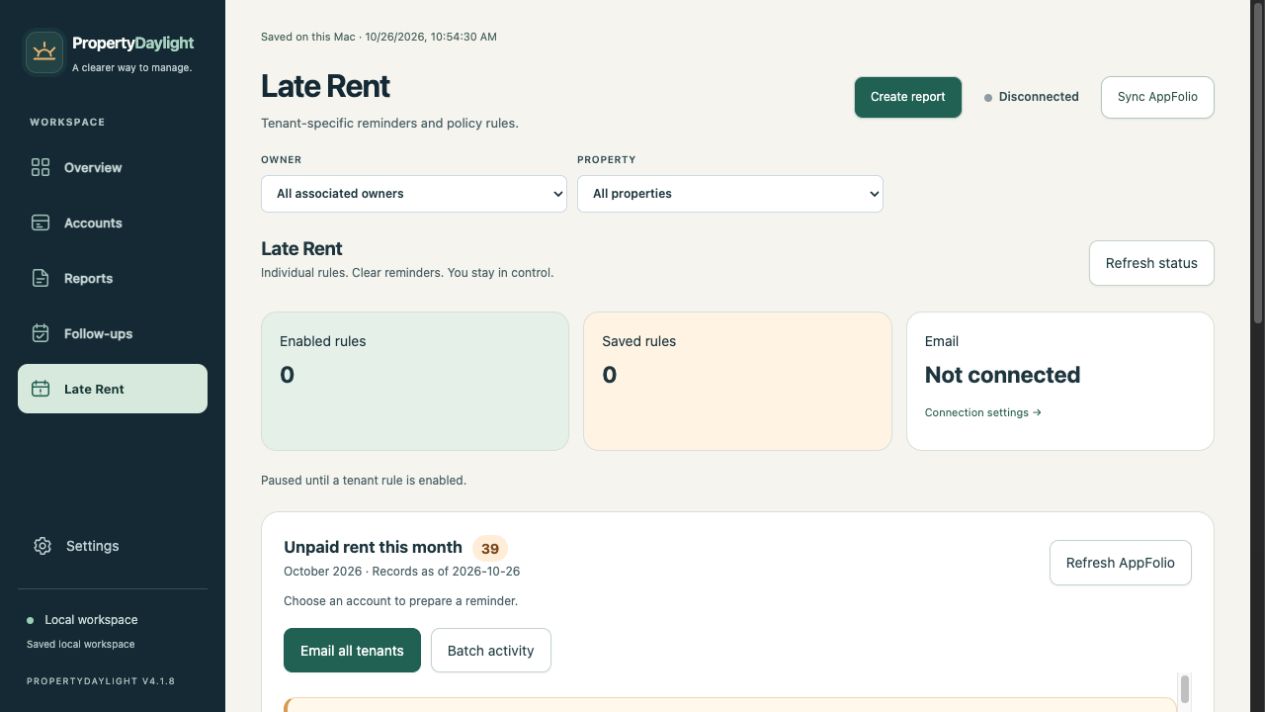
Bring unpaid rent into focus.
Use the current-month unpaid-rent list to prepare individual reminders or a reviewed batch. Verify the current source, recipient and message before sending. Conditional fee wording does not post a charge.
Your work, on your computer.
The local application saves source snapshots, notes, follow-ups and reports on your computer. Complete encrypted backups include workspace and delivery history.
Read about data handling →Evaluate it with your own workflow.
We start with authorized access, Mac pilot onboarding and Windows/Linux preview setup and a supervised review/report pilot. Email features require separate provider setup and acceptance testing.
Discuss your pilot →